

• Home
  • About Us
  • Contact Us
  • Privacy Policy
  • Copyright Policy
Sunday, February 22, 2026
Tech Marathi
No Result
View All Result
  • Login
  • Home
  • Top 5
  • Mobile Review
  • Tech News
  • Gadgets
  • Gaming
  • PC/Laptop
  • Important Pages
    • About Us
    • Contact Us
    • Privacy Policy
    • DMCA
SUBSCRIBE
  • Home
  • Top 5
  • Mobile Review
  • Tech News
  • Gadgets
  • Gaming
  • PC/Laptop
  • Important Pages
    • About Us
    • Contact Us
    • Privacy Policy
    • DMCA
No Result
View All Result
Tech Marathi
No Result
View All Result
Home Tips & Tricks

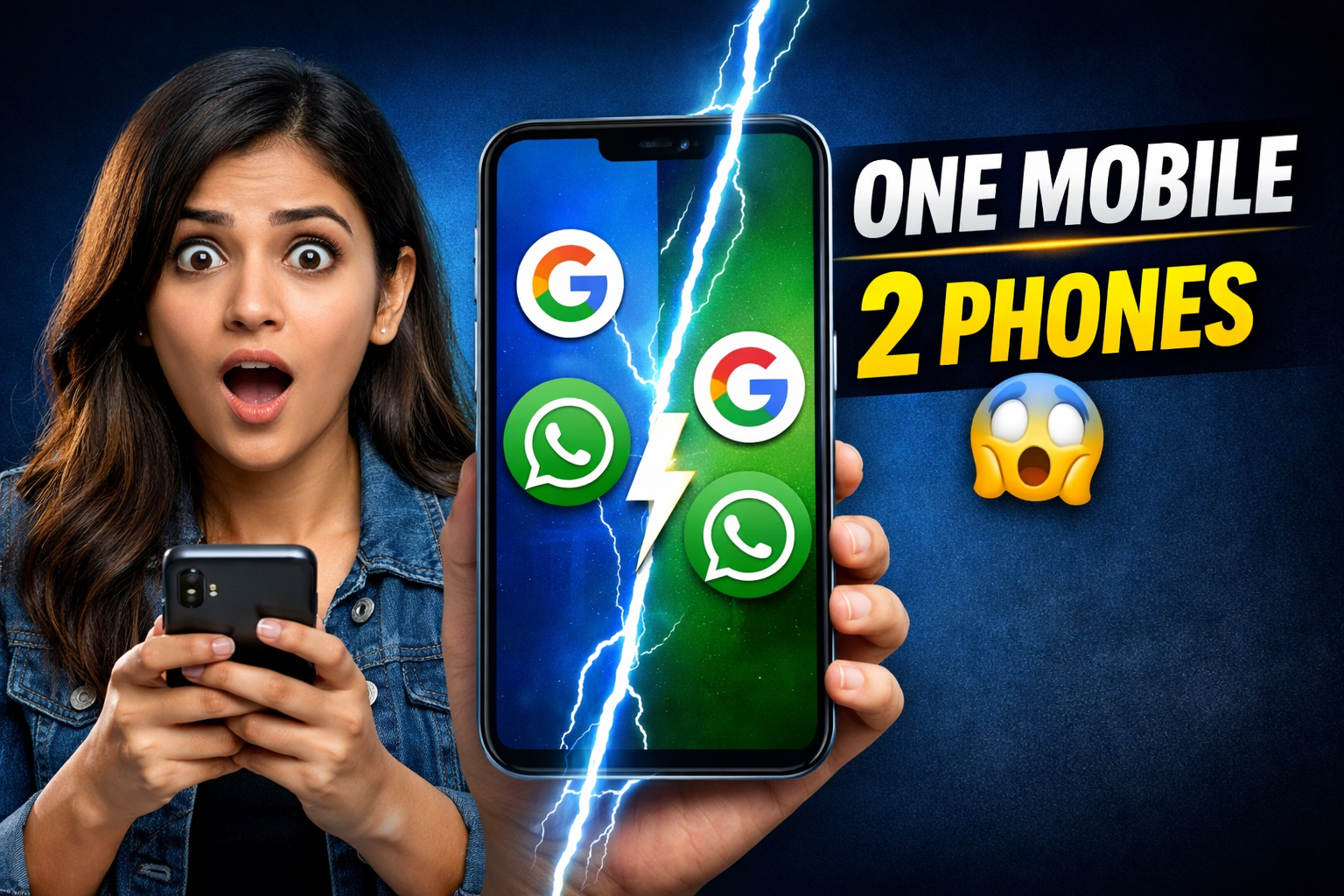
एकाच मोबाईलमध्ये 2 फोन कसे वापरायचे? System Clone / Second Space / Multiple User Explained

Nandu Patil by Nandu Patil
02/01/2026
Reading Time: 3 mins read
0

✅ Vivo / iQOO – Add User

RELATED POSTS

शिवजयंती स्पेशल फोटो प्रॉम्प्ट – Shivjayanti Special Photo Prompt

10 Highly Detailed Retro Vintage Navratri Garba Prompts – How to create Navratri Garbha Photo with Google Gemini Banana

Call Forwarding Setting in Any Mobile

Process:

Settings उघडा System → Multiple users / Add user Add user वर tap करा नवीन PIN / Lock सेट करा User switch करा (Lock screen / Quick settings)

➡️ पूर्ण वेगळा फोन तयार होतो

➡️ वेगळं Google, WhatsApp, Gallery

Exit:

Lock screen वर जाऊन Main User चा PIN टाका किंवा Quick Settings → User icon → Main user select करा

Buy JNews
ADVERTISEMENT

✅ Xiaomi / Redmi / POCO – Second Space

Process:

Settings उघडा Privacy & Security Second Space Turn on करा वेगळा Password / Pattern सेट करा Second Space मध्ये enter करा

➡️ दोन वेगळे फोन एकाच device मध्ये

➡️ Personal आणि Business पूर्ण वेगळं

Exit:

Lock screen वर Main Space चा Password टाका किंवा Settings → Second Space → Switch to First Space

✅ OnePlus – System Cloner

(नवीन OxygenOS models)

Process:

Settings उघडा Privacy & Security System Cloner Get Started वेगळा Password सेट करा System Clone मध्ये enter करा

➡️ Full system clone तयार होतो

➡️ Parallel Apps नाही, पूर्ण वेगळं system

Exit:

Lock screen वर Main system चा Password टाका किंवा Settings → System Cloner → Exit System Clone

⚠️ OPPO – Multiple Users

Process:

Settings उघडा Additional Settings Multiple Users Add User नवीन PIN / Lock सेट करा User switch करा

➡️ वेगळा User profile तयार होतो

➡️ Google आणि Apps वेगळे ठेवता येतात

Exit:

Lock screen वर Main User चा PIN टाका किंवा Quick Settings → User icon → Owner select करा

⚠️ Realme – Multiple Users

Process:

Settings उघडा System / Additional Settings Multiple Users Add User Password / PIN सेट करा User switch करा

➡️ वेगळा User profile तयार होतो

➡️ Apps आणि Accounts वेगळे

Exit:

Lock screen वर Main User चा Password टाका किंवा Quick Settings → User switch → Main user

⚠️ Samsung – Secure Folder

Process:

Settings उघडा Biometrics & Security Secure Folder Samsung Account login Lock सेट करा Secure Folder मध्ये Apps add करा

➡️ Apps आणि data वेगळ्या folder मध्ये

➡️ पूर्ण system नाही, पण safe space

Exit:

Back press करा किंवा Notification panel → Secure Folder → Lock

ShareTweetPin
Nandu Patil

Nandu Patil

Tech Marathi is Maharashtra's No.1 Most trusted and popular regional Marathi Tech channel. We not only breaks news as it happens but also gives detailed, in-depth analysis of Technology, Mobile, Laptops, Smart watch, Social Media etc. Tech Marathi is For all Marathi People's who interested in Technology Information. we are Post Content about Mobile Review, Gadgets Review, and all How To Videos In Marathi Language.

Related Posts

Tips & Tricks

शिवजयंती स्पेशल फोटो प्रॉम्प्ट – Shivjayanti Special Photo Prompt

11/02/2026
Nandu Patil Job's Updates

10 Highly Detailed Retro Vintage Navratri Garba Prompts – How to create Navratri Garbha Photo with Google Gemini Banana

16/09/2025
Tips & Tricks

Call Forwarding Setting in Any Mobile

09/08/2025
Tips & Tricks

EPF (PF) खात्यासोबत मोबाईल नंबर लिंक करण्याची संपूर्ण माहिती!

03/08/2025
Tech News

Get Call History: Jio, Airtel, Vi नंबरची कॉल हिस्टरी कशी मिळवायची?

27/01/2025
मुलांना हे पाच कार्टून चॅनल दाखवा! हुशार होतील आणि इंग्लिश देखील शिकतील! Best YouTube Channel to Learn English
Tech News

मुलांना हे पाच कार्टून चॅनल दाखवा! हुशार होतील आणि इंग्लिश देखील शिकतील! Best YouTube Channel to Learn English

08/07/2024
Next Post

Federal Bank Bharti 2026 – संपूर्ण माहिती 10वी पास विद्यार्थ्याना संधी!

२०२६ ची सर्वात मोठी तलाठी भरती | 1700+ जागांसाठी लवकरच अर्ज सुरू

Recommended Stories

70% पर्यंत स्वस्त किंमतीत मिळतायत या 55 इंच SmartTV, लिस्टमध्ये आहेत Sony आणि Xiomi ; पहा किंमत आणि फिचर

20/10/2023

दिवाळीत नवीन स्मार्टटीव्ही घेण्याचा विचार करताय? तर आत्ताच ऑर्डर करा 60% डिस्काउंट असणारा हा स्मार्टटीव्ही, जबरदस्त 🔥

30/10/2023

NIACL Recruitment 2025 : न्यू इंडिया एश्युरन्स कंपनी लिमिटेड भरती

19/08/2025

Popular Stories

  • HDFC बँक देत आहे पहिली ते ग्रॅज्युएशन पर्यंतच्या विद्यार्थ्यांना स्कॉलरशिप! आत्ताच अर्ज करा

    0 shares
    Share 0 Tweet 0
  • मराठी, हिंदी बॉलीवूड, आणि साउथ इंडियन मूव्हीज कशा डाउनलोड करायच्या? How to Download Marathi, Hindi Movies.

    0 shares
    Share 0 Tweet 0
  • 10 Couple Prompts (Both Same Face as Reference)

    0 shares
    Share 0 Tweet 0
  • १० वी पास उमेदवारांसाठी पोस्टात 28740 जागांची मेगाभरती Indian Post Bharti 2026

    0 shares
    Share 0 Tweet 0
  • पोस्ट ऑफिस GDS भरती 2026 – सिलेक्शन प्रोसेस, कटऑफ, अर्ज प्रक्रिया संपूर्ण माहिती 

    0 shares
    Share 0 Tweet 0
Facebook Twitter

Tech Marathi is Maharashtra's No.1 Most trusted and popular regional Marathi Tech channel.
We not only breaks news as it happens but also gives detailed, in-depth analysis of Technology, Mobile, Laptops, Smart watch, Social Media etc.

LEARN MORE »

Recent Posts

  • 🚆 Western Railway Bharti 2026 – 5349 Apprentice जागांसाठी मेगाभरती 
  • RBI Assistant Bharti 2026 — 650 जागांसाठी भरती, सर्व माहिती
  • Aadhaar Operator Supervisor Bharti 2026 – संपूर्ण माहिती

Important Pages

  • Home
  • About Us
  • Contact Us
  • Privacy Policy
  • Copyright Policy

© 2023 Tech in Marathi - Designed & Maintained by Digital Pritam.

No Result
View All Result
  • Home
  • Top 5
  • Mobile Review
  • Tech News
  • Gadgets
  • Gaming
  • PC/Laptop
  • Important Pages
    • About Us
    • Contact Us
    • Privacy Policy
    • DMCA

© 2023 Tech in Marathi - Designed & Maintained by Digital Pritam.

Welcome Back!

Login to your account below

Forgotten Password?

Retrieve your password

Please enter your username or email address to reset your password.

Log In